History
Every action performed on the Documentation page is recorded in the History section.
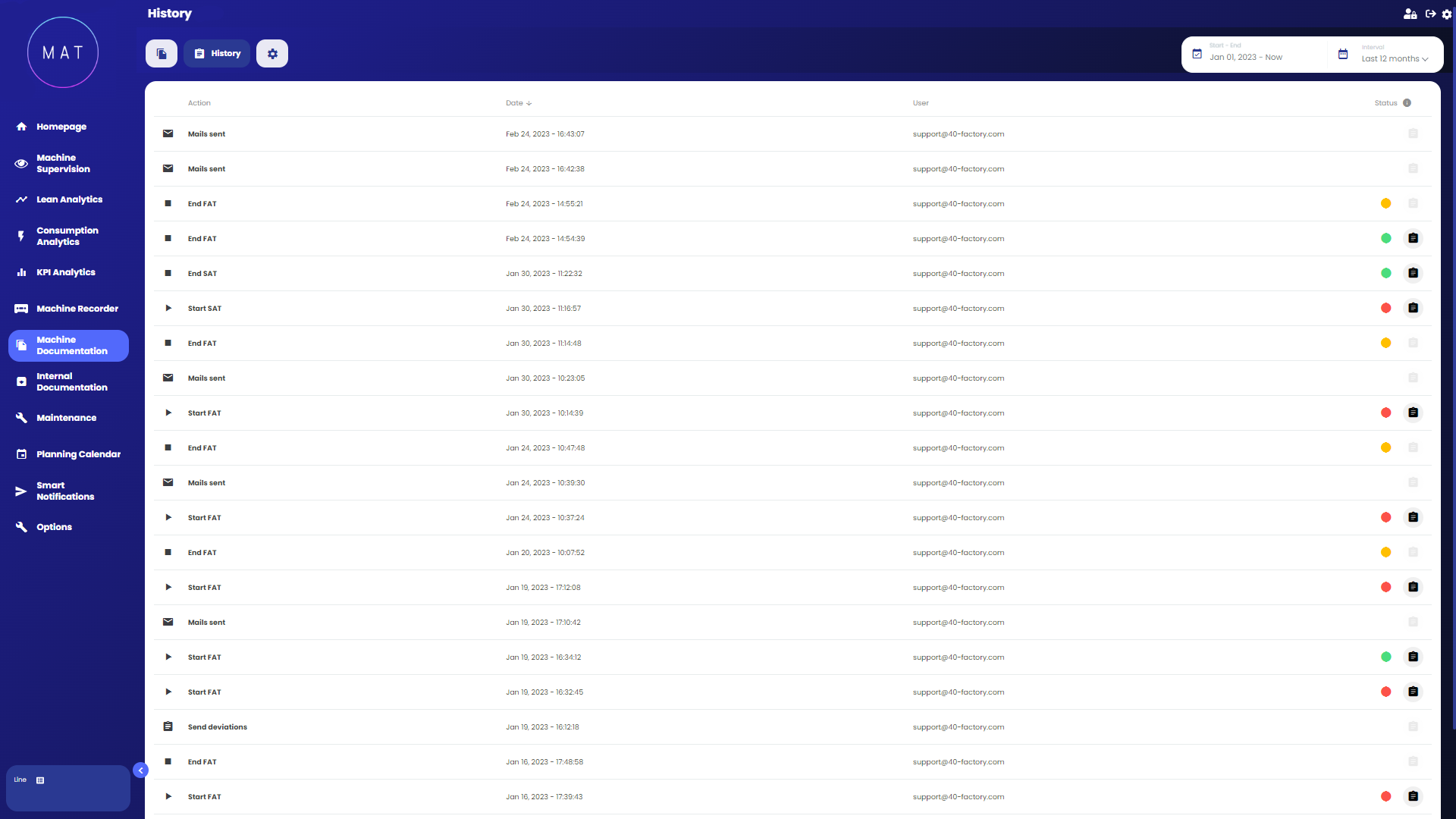
Each operation is associated with the relevant date and the user who carried it out. Additionally, for some operations, it is possible to view the status and a report.
There are three available statuses:
green: the operation was successful;
yellow: operation canceled;
red: the operation was not successful.
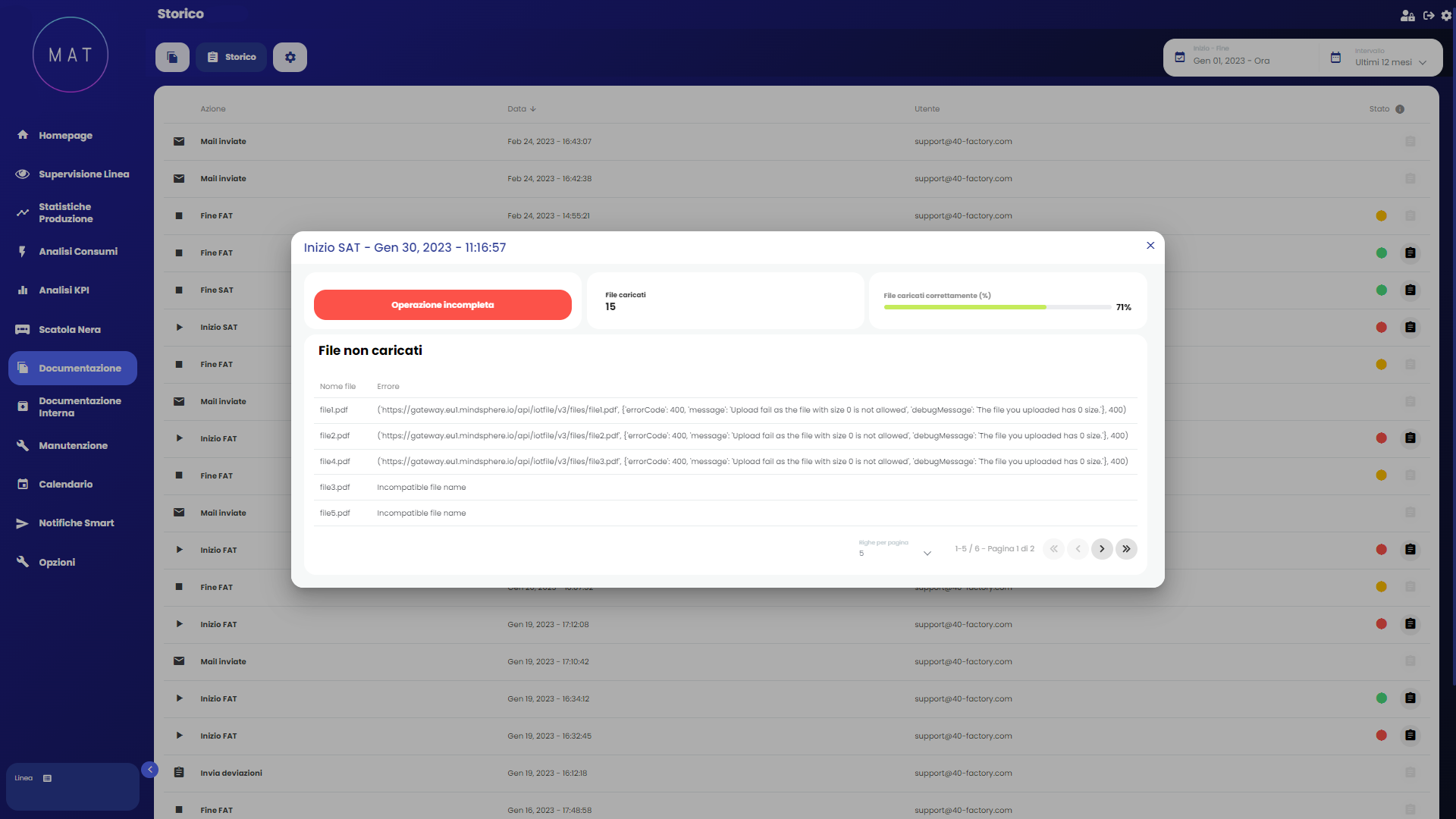
The report associated with the various operations contains information related to the files in question. Within it, you can view which files have been processed, any errors associated with each file, and the percentage completion of the current operation.