
Machines Connection Overview
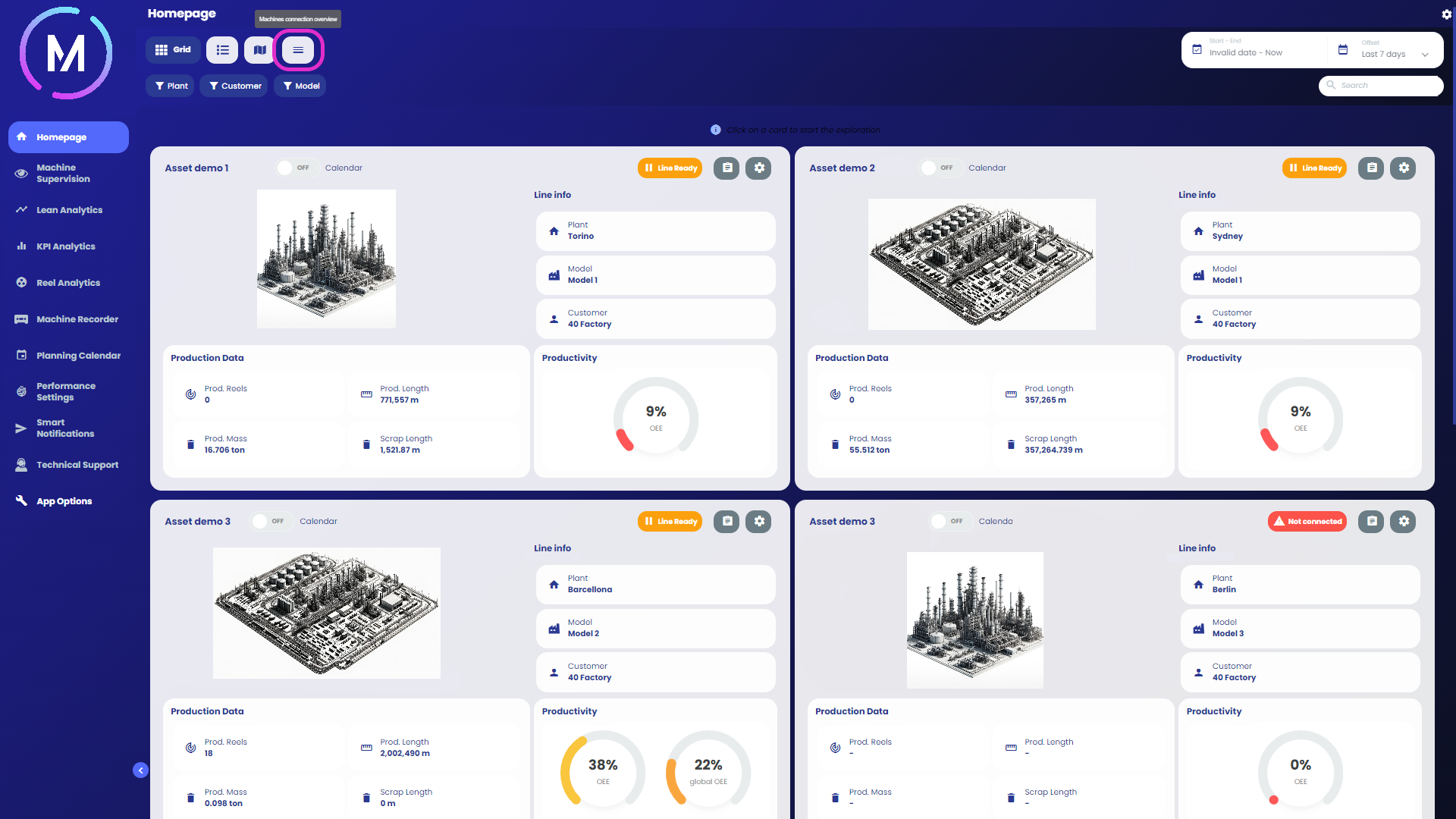
By selecting the highlighted control in Image A, you can access the view called Machines Connection Overview.

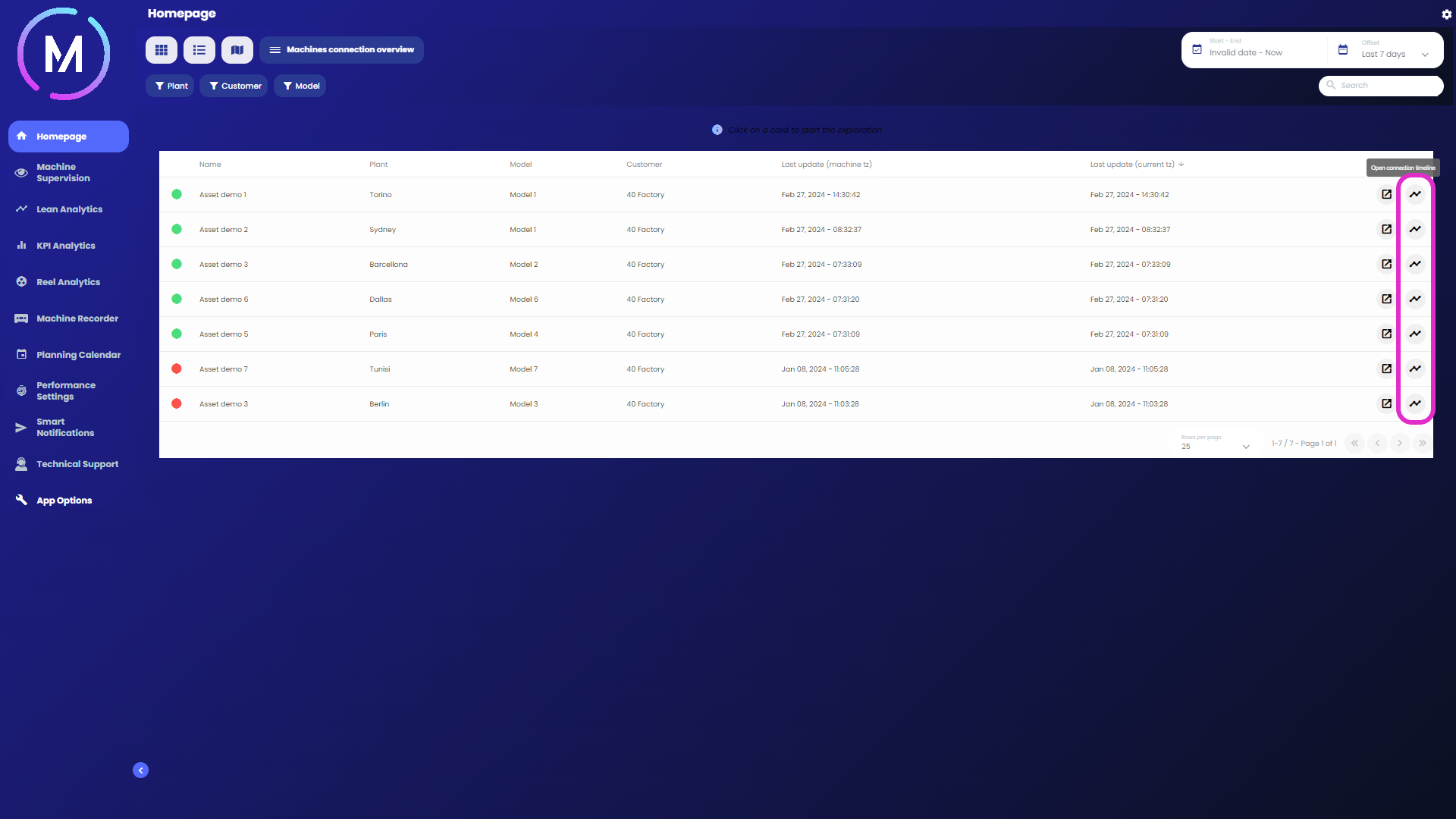
The page displays a list of all machines belonging to the project, and for each machine, it indicates various data, including the timestamp of the last machine update, interpreted as the last data write.
On the side of each row, there are two controls: one to select the current machine for further navigation (Image C) and another to display the timeline of the machine's connections (Image D).

An example of a timeline is shown in Image E.
