> For the complete documentation index, see [llms.txt](https://40factory.gitbook.io/wilson/llms.txt). Markdown versions of documentation pages are available by appending `.md` to page URLs; this page is available as [Markdown](https://40factory.gitbook.io/wilson/3.12/wilson-academy/settings-1/user-management.md).
# App users
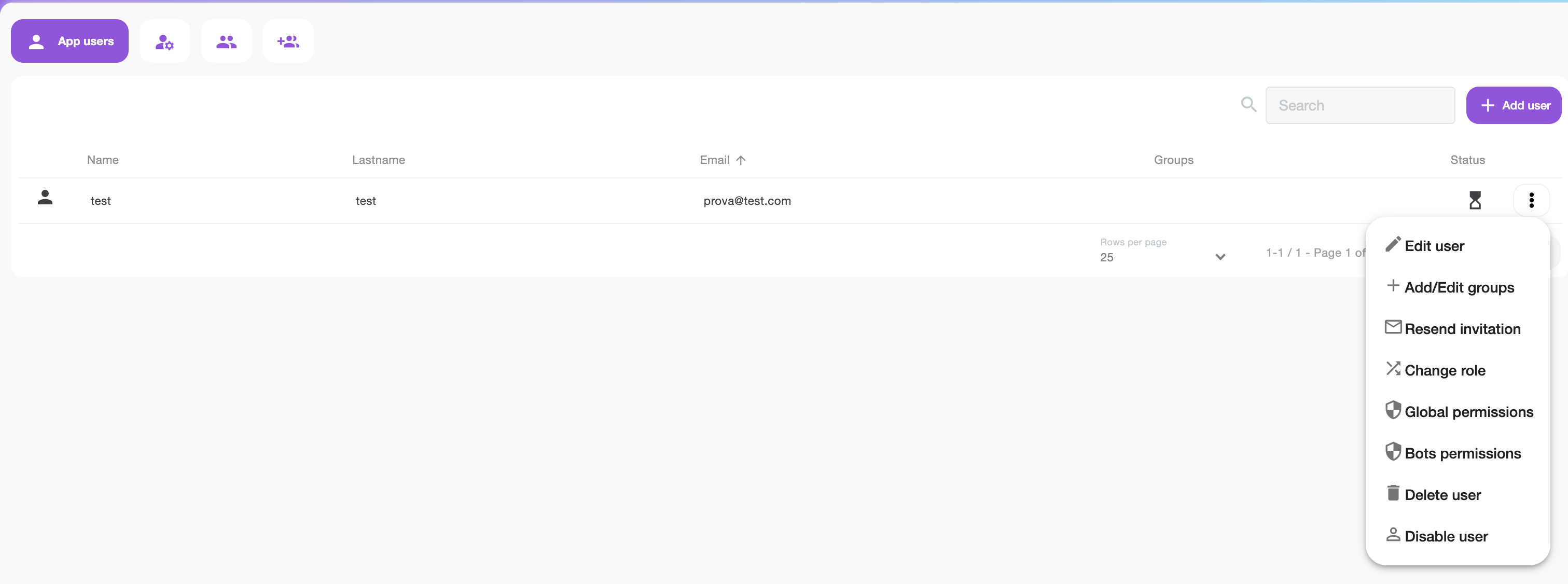
The "App users" sections enables the management of chat only users.
Each user is identified with name, lastname and email.
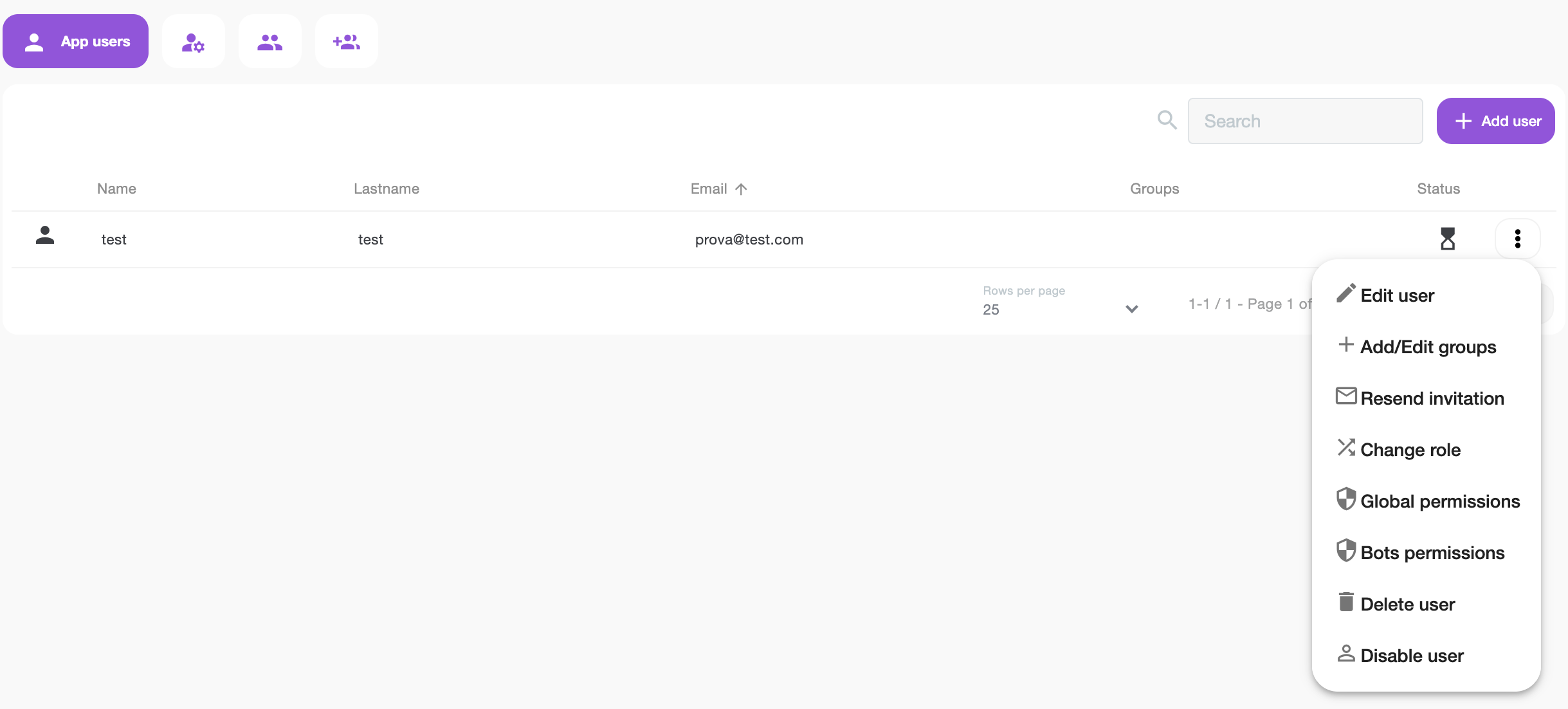
The "Status" column represents the user's status and can take on two values: "Accepted" to indicate that the user has accepted the invitation and has logged in at least once, and "Pending Acceptance" if the invitation has been sent but not yet accepted. Is it possible to resend invitation to users that not already accepted.
You can also change the role from user to admin.
Each user can be associated with groups and bots.
### App users
Users defined as "App users" are users who only have access to the Wilson.ai App Standalone version, currently with only the chat feature, and do not have access to Wilson Academy.
### Create users
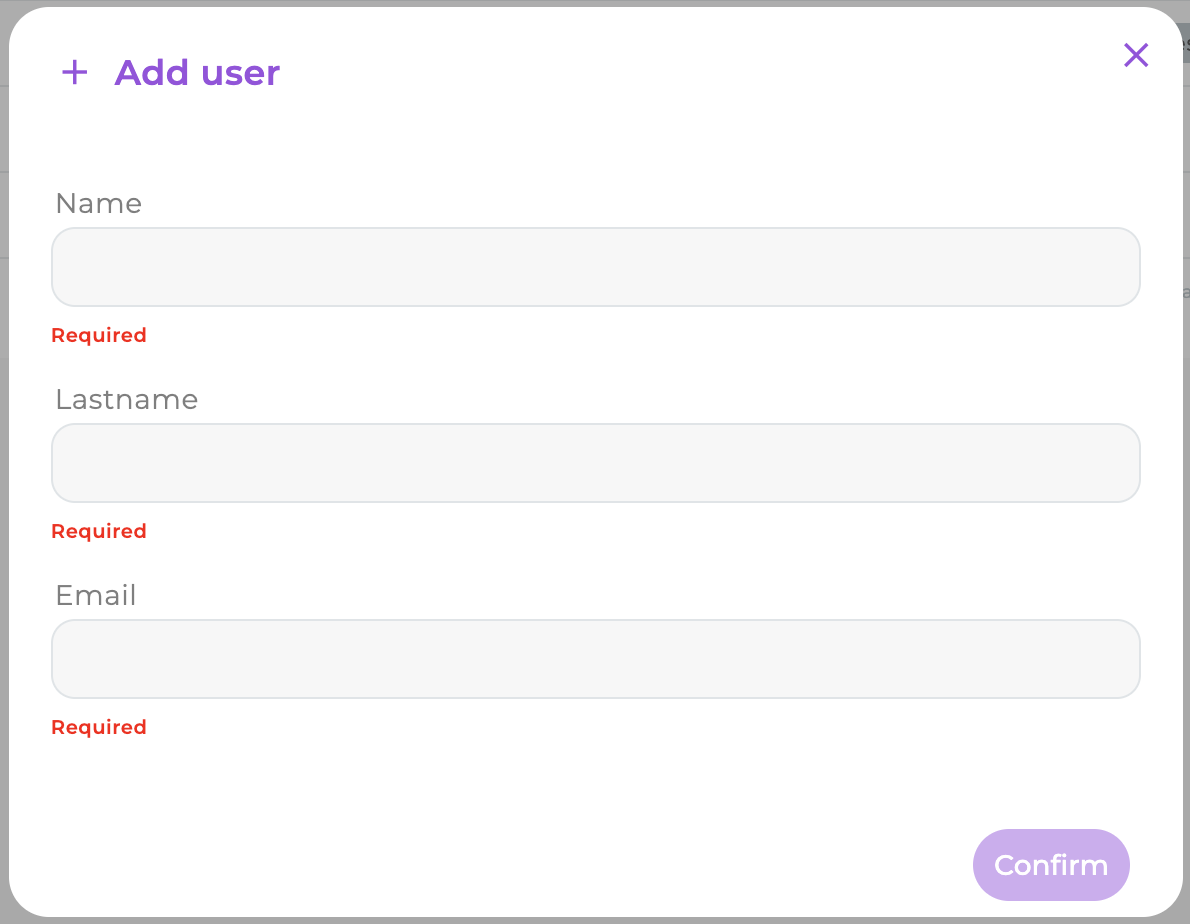
Is possible to add an user by clicking the "Add" button, entering the first name, last name, and reference email.
Dialog for user creation
{% hint style="info" %}
It is possible to disable an user without delete the profile
{% endhint %}
### Users permission management
{% hint style="warning" %}
Bots are no longer assigned from the dialog of Edit User through the function of bots assignement to profile.
{% endhint %}
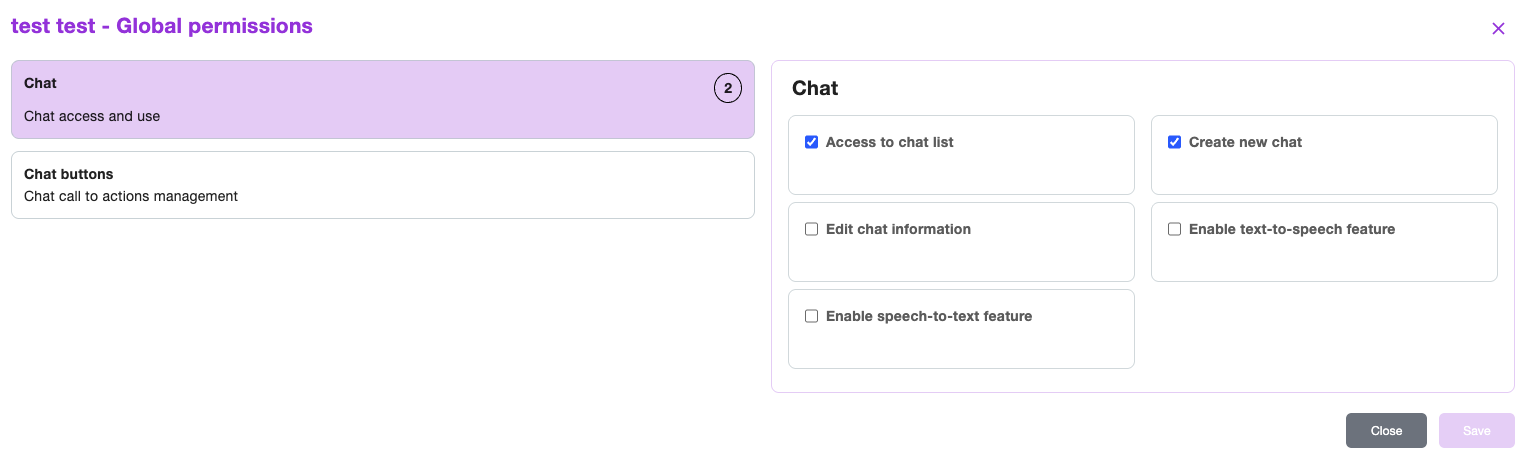
Once the user profile is created, a new functionality allows to grant specific permissions to the user: it's possible only to assign bot.
#### Bots permission dialog
The **Bots permissions** feature, allows you to select which bots can be queried by the user (access permission), as well as apply other management permissions to enable configuration editing, filters, etc. for each bot.
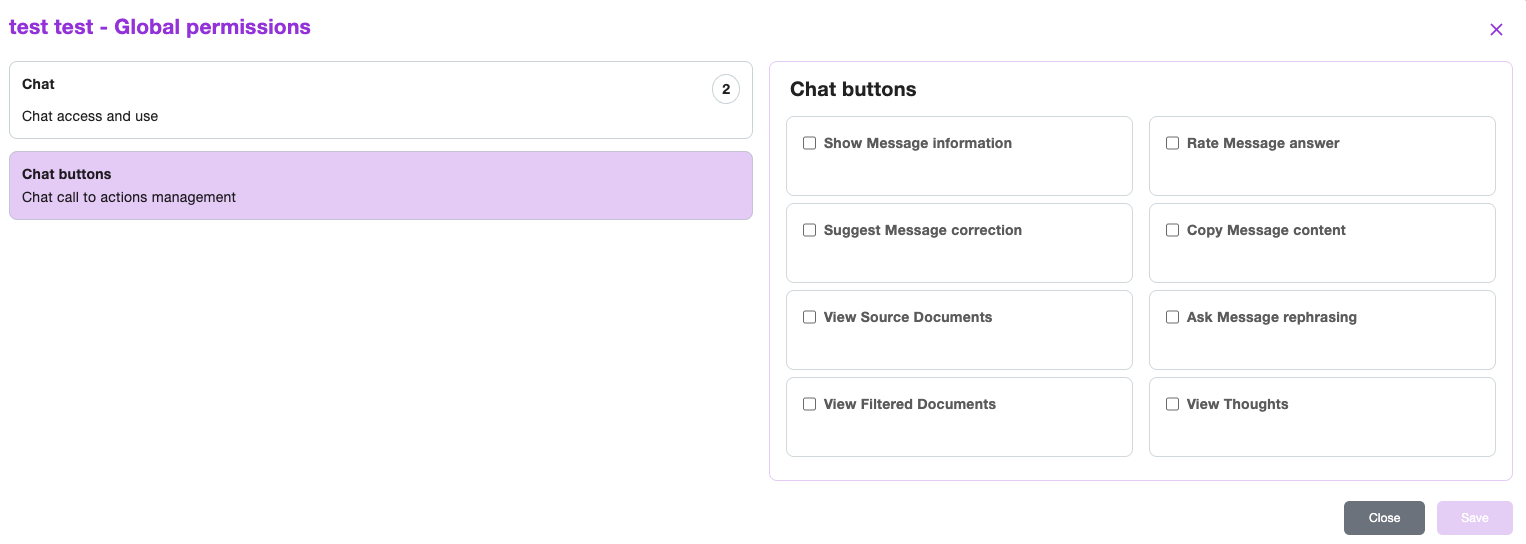
To further strengthen governance and tailor the user experience, the platform now supports **fine-grained permissions to parameterize which action buttons are visible in the chat interface**.
#### **Assign users to groups directly**
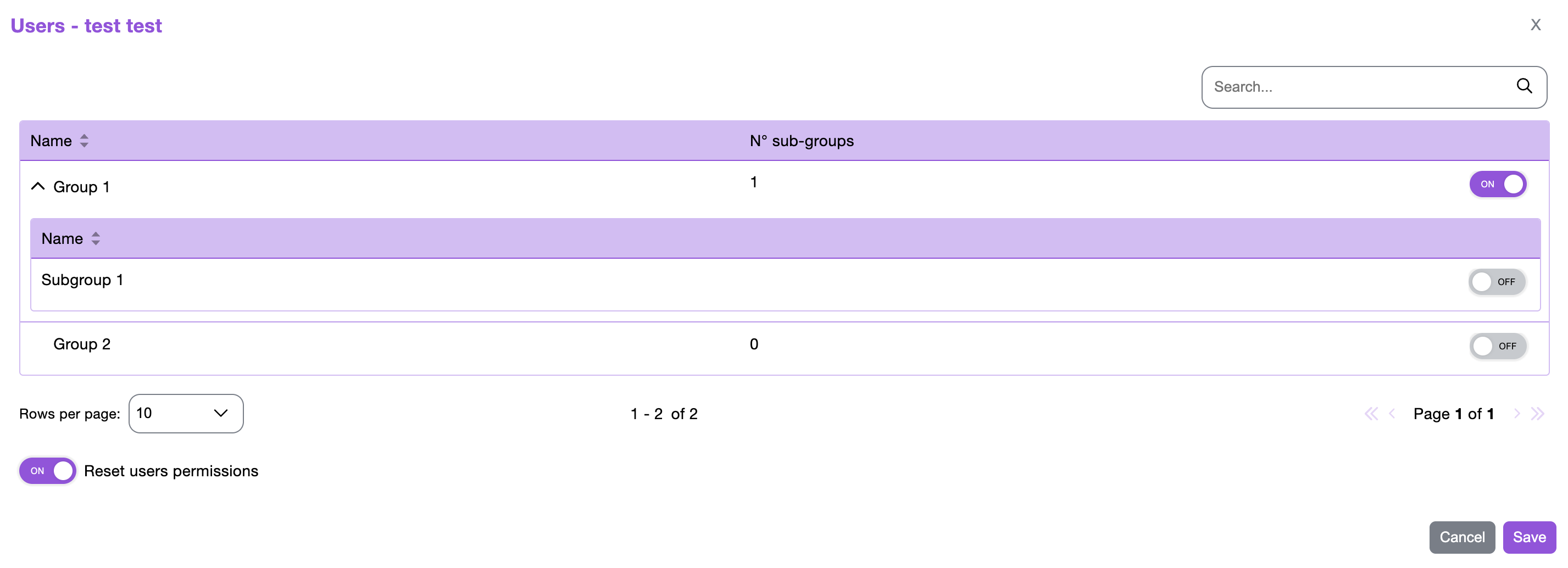
An administrator can open a **user’s profile** and directly assign that user to one or more groups, by selecting "Add/Edit groups".
From the User Profile, administrators can assign membership by toggling the group/subgroup flag to ON.
While assigning the user to a group/subgroup, administrators can also choose to **remove the user’s personal permissions**, ensuring that only the permissions inherited from the selected group/subgroup remain active.